
A guide for the scale modeller.
I have long come to grips with the business of home printing. It started in the dear old darkroom days of film photography and locked the family out of the bathroom/darkroom many a night. Now we are digital, they can get in at any time, and I just sit in my hobby room and can be pissed off by myself.
The chief cause of this is the inkjet printer. I have owned three of them to make paper prints of the images my studio turns out. They have all been Epson – for a reason – and have gotten progressively smaller and cheaper as I discovered fewer needs. The reason I am on No. 3 is that inkjet frinters invariably puck up after a few years.
Their heads clog, their lines perish, and their waste tanks fill up. Repair is expensive and often unreliable – the tech firms come and go. And Epson eventually withdraw ink supplies for older machines.
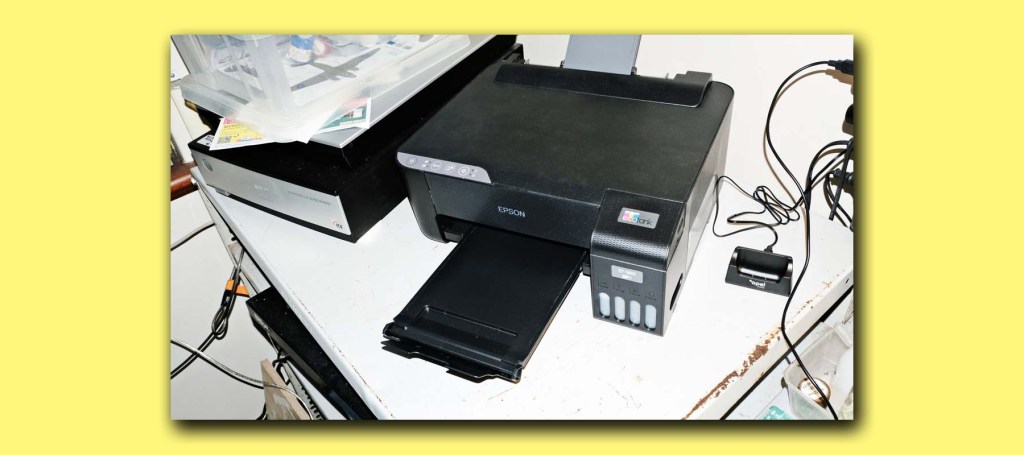
This time I settled for an A4 printer, rather than A2 or A3+. My needs are now documents and decals – and these are mostly A4. I also determined to try an Eco-Tank model that doesn’t rely on 10ml cartridges. I know what 10ml of paint looks like and I think I have been paying over the odds for the K3 inks for the last two printers.
Father’s day brought a $ 249 Epson 1810 printer from Officeworks and it was easy as Epson have one of the best set-up procedures in all of photography. he ink bottles are included and are massive compared to cartridges. I wire into the computer, but some people rely on WiFi for connectivity,
Standard invoice and letter printing on my iMac is simple – this was to be expected – I Command/P and it gives a simple menu. Select plain paper and haw many copies and go make a cup of coffee. Colour and B/W seemed exactly the same as with the previous big printers.
But decals? I can manage the graphics for most of the 1/72 scale subjects I build – remembering that no inkjet printer lays down white ink, and you have to work round that. But would the new 1810 throw ink precisely enough for wheite or clear decal paper?
I tested. The ink settings for glossy and premium paper threw too much ink – it swam on the surface of the paper. So I shifted to matte paper and high quality. Still too much, but only on the edges. Now the printer command is set to matte and standard quality – and the result is perfect.
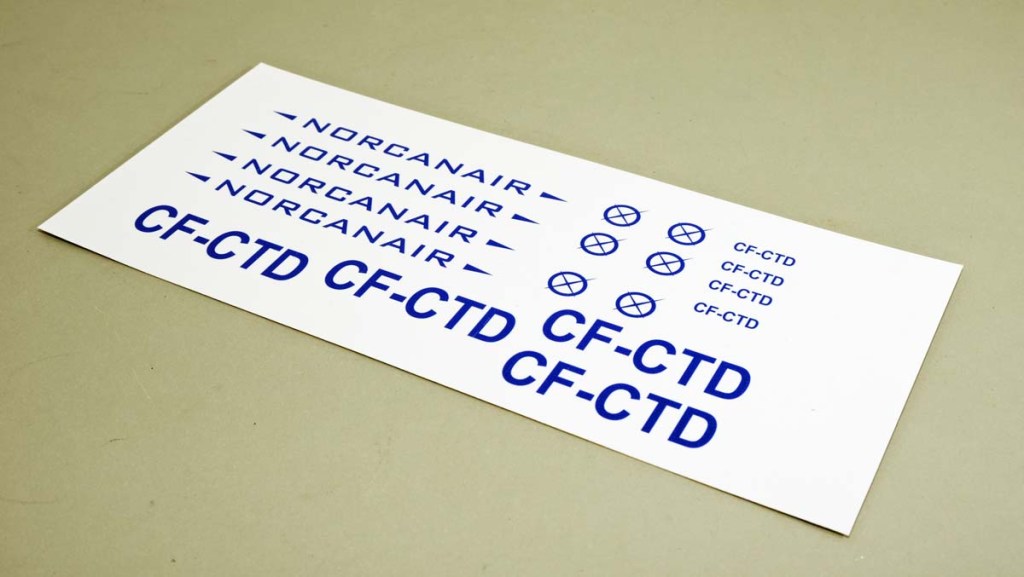
I still lay out extra copies of the artwork in case something along the way pucks up, and I have learned to coat the finished sheet with light sprays of clear lacquer – heavy ones wrinkle the design. But the eventual decal will release and lay down very well indeed.
And the new cheap printer is a decided success.
 The Little World
Leave a comment