
When you are presented with requests.
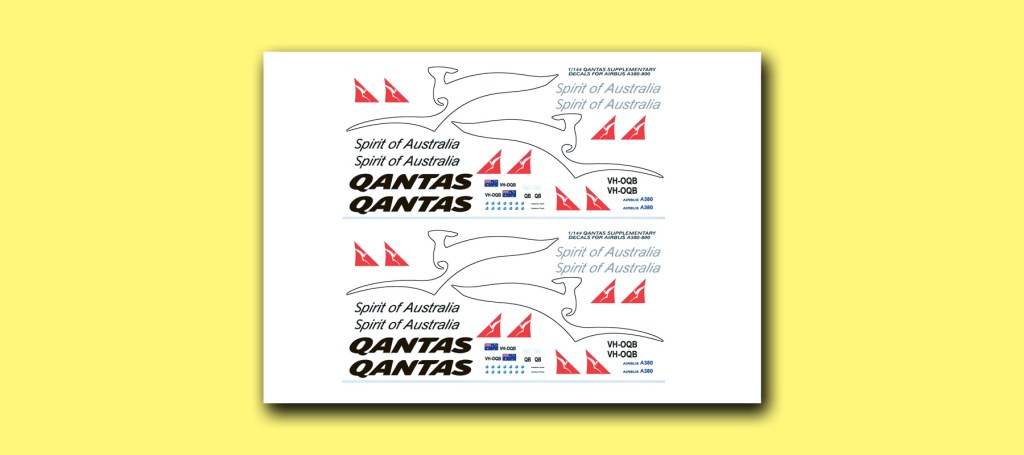
You give positive answers. Someone wanted decals for a model aircraft but couldn’t find them on the net. I did, but that probably wasn’t the question anyway. Fortunately the decal sheet needed was simple and illustrated cleanly in colour. Getting it onto Photoshop Elements was simple.
Not so simple the scaling. I found a builder’s elevation that listed the main dimensions exactly, and showed enough detail so that one of the aircraft’s inscriptions could be related to the distance between windows in the fuselage. The rest was mathematics and some calculator punching on the screen.
I have always been pleased that Photoshop Elements has metric rulers at the edge of the main window and these can be used to accurately scale a drawing. I am also pleased that the design selected could be printed out on white decal sheet in red or black – makes for less ink use.
I was able to squeeze two copies of the sheet on one A4 – if the modeller has trouble there is a backup to go to.


Leave a comment